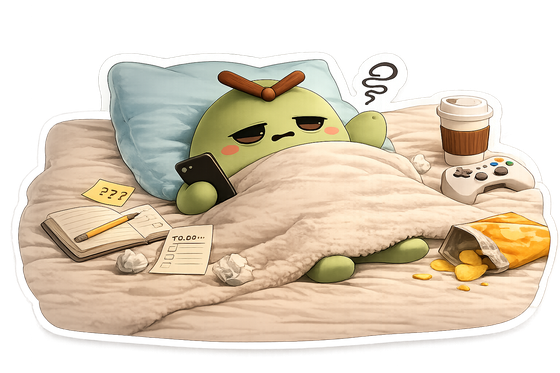
Screen-time accountability
Morro asks one short question an hour, tied to your calendar. Answer from your lock screen. Over the day it becomes a done list, not a to-do list.
iPhone and Mac. Answer straight from the notification. No blocking, no lockouts.

The idea
Morro does not block apps or lock you out. It simply asks, so you notice. The whole hypothesis is that a small, honest nudge changes behavior more gently than a wall ever could.
How it works
Morro asks "Working on '{event}'?" You tap Yes or No from the lock screen. The app never has to open.
It asks "Watching value-added content?" Answer plus or minus. That one tap builds your invested-versus-spent history.
Off at pilates with no device nearby? Morro stays silent, then sends a single catch-up when you return.
Close the day
A calm daily receipt tallies where the hours went. Invest your day and it prints a green stamp and a small reward. It is a keepsake you can save, not a scolding.
Two devices, one account
Answer the hourly nudge from your lock screen, see your calendar next to your usage, and close each day with a receipt.
Coming soon on theApp StoreYour Mac stays on, so it is the anchor that lets Morro know when you are truly away. It also shows real app and site names next to your calendar.
Linking a device
Get the Mac companion from this site, or a second phone from the App Store.
Sign in with the same email, Apple ID, or Google account you already use.
Both devices share one account, one history, and one calendar. Nothing to configure.
Built quiet
iPhone screen-time stays in Apple's on-device sandbox. Morro cannot read or store it. Read the full Privacy Policy.
Pricing
The full app, on iPhone and Mac. Try it for a week. Cancel anytime in your App Store settings.
Start with the App Store